
· 8 min read
Understand the layers of meeting safety, from admission controls and presenter permissions to responsible recording and secure sharing.
Security starts before participants enter
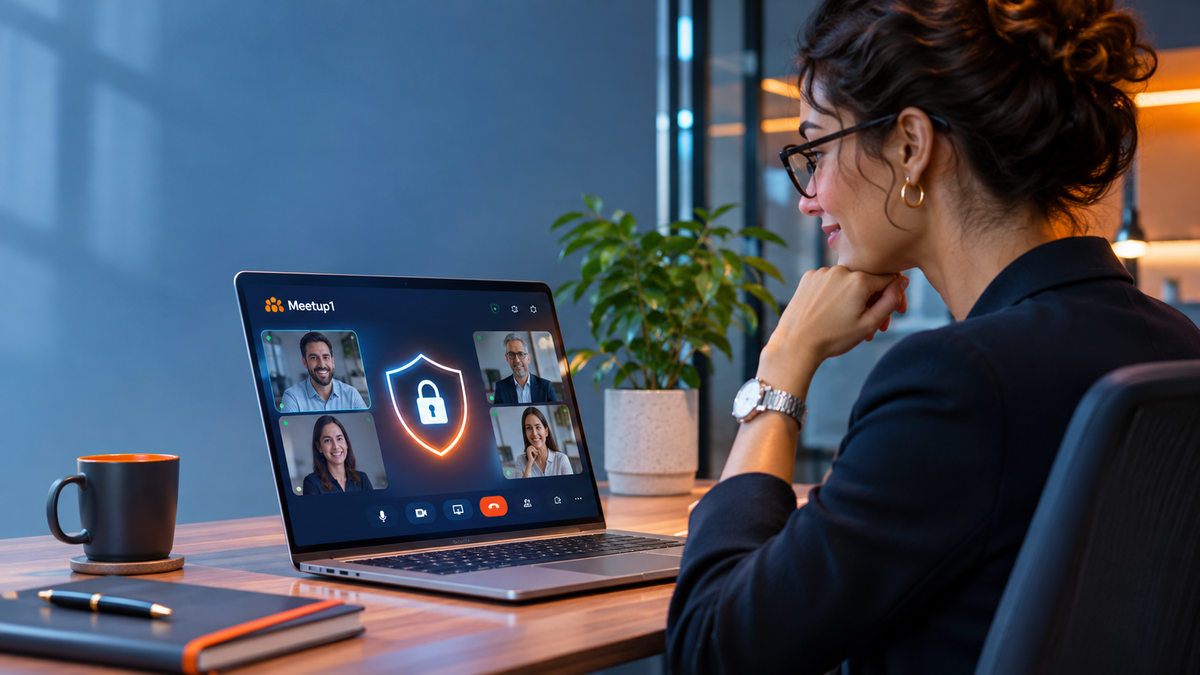
A secure online meeting is not defined by a single lock symbol. It depends on who is invited, how people enter, which actions they can perform, and how shared material is handled afterward. Meetup1 describes a layered approach to meeting admission, participant permissions, backend authorization, and recording access.
The controls available in an individual meeting may vary by plan, account configuration, and release. Hosts should inspect the real meeting settings rather than assume every protection is automatically active.
1. Control how people join
Meeting invitations are meant for the right participants. A publicly forwarded link can still create risk when the host does not review how attendees enter. Where supported, waiting-room workflows and passcodes can help the host control admission.
For confidential sessions, send invitations through a trusted channel. Do not publish private meeting links on open websites or social feeds. Use the host admission flow to confirm unexpected guests instead of approving people automatically.
- Use passcodes and waiting-room controls when available
- Share private links only with intended attendees
- Review unfamiliar names before granting access
- Remove an unexpected participant using the available host controls
2. Give each participant the right permissions
Not everyone in a meeting needs permission to present, share documents, manage participants, or change settings. A least-privilege approach grants the access required for a participant's role and nothing more.
Meetup1's public security information describes participant roles, host moderation, and scoped meeting access. As with other collaboration platforms, organizers should test presenter permissions and check that sensitive controls remain with authorized hosts.
- Separate attendee, presenter, moderator, and host responsibilities
- Review screen-sharing and file-sharing permissions
- Do not delegate administrative controls unnecessarily
- Check permissions again when a presenter or participant changes
3. Protect meetings at the account and backend level
Secure interfaces matter, but authorization must also be enforced behind the screen. Meetup1 documents server-issued meeting credentials and backend checks intended to restrict protected resources and features to authorized users.
That is different from claiming a specific independent audit or regulatory certification. Organizations with formal security, privacy, data-location, or contractual requirements should obtain supporting documents and verify whether the product meets those requirements before deployment.
4. Handle recordings and AI notes carefully
A recording can be helpful for people who missed a discussion, but it can also contain names, customer details, screen-shared information, and decisions that should not be shared widely. Limit access to authorized viewers and review any available expiration or revocation controls.
If the meeting uses captions, transcription, translation, or AI summaries, explain the relevant processing to participants. Follow your organization's consent and retention policies, and manually review automated notes before they become a formal record.
- Tell participants when a recording or automated processing is in use
- Limit recording and recap distribution to authorized recipients
- Avoid displaying confidential files unnecessarily
- Review sharing links, access expiration, and revocation options
5. Help your team recognize common risks
Technology alone cannot prevent every mistake. Hosts and attendees should know how to recognize suspicious invitations, unexpected requests for credentials, and attempts to move a conversation outside its expected context.
For recurring client or organization meetings, publish a short security checklist. It should explain how genuine invites are delivered, who is authorized to host, and what participants should do if they notice an unusual attendee.
- Verify the meeting organizer and invitation source
- Keep browsers and devices updated
- Use strong account authentication and protect recovery details
- Report suspicious activity and review access after an incident
A practical security review before your next meeting
Before your next important call, inspect the account and meeting settings, test joining as a guest, verify presenter and host permissions, and review the sharing options you plan to use. When a setting or certification matters to a purchase decision, ask for current evidence.
Meetup1's published security information is a useful place to begin. It describes available safeguards without claiming that all plans offer the same controls or that formal compliance has been independently established.
Frequently asked questions
Does Meetup1 support waiting-room and passcode workflows?
Meetup1 publicly describes waiting-room and passcode features for supported meeting configurations. Check the settings of the actual room.
Does a security feature prove a certification?
No. Product safeguards and certifications are different; verify any required certification directly with supporting evidence.
How should meeting recordings be shared?
Use authorized access and review the available sharing, expiration, and revocation options; follow participant consent and retention requirements.